Keep every supplier delivery under your control.
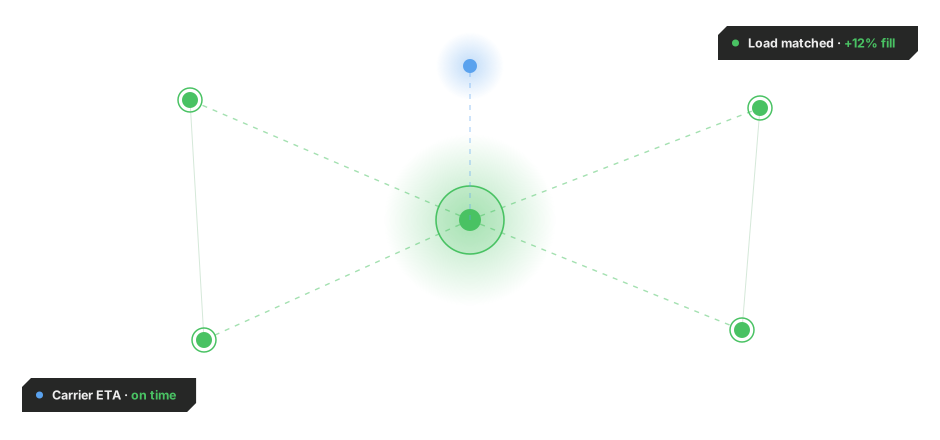
MIXMOVE connects purchase orders, supplier commitments and inbound shipments in one live operational view, so manufacturers, wholesalers, retailers and distributors always know which orders are confirmed, which have changed, and which need attention before the shipment arrives.
You lose control of your order across fragmented systems.
Once an order leaves your hands, visibility and decision often does too.
Manufacturers, wholesalers, retailers and distributors can place orders with multiple suppliers, but lose control the moment suppliers take over planning and executing transport. Without a shared view, order status, shipment progress and expected arrival dates become harder to follow, and delays often surface only once the buyer has little time left to react.

Order readiness, shipment status and expected arrival information can be spread across suppliers, systems and communication channels, making it difficult to build one reliable view of deliveries.

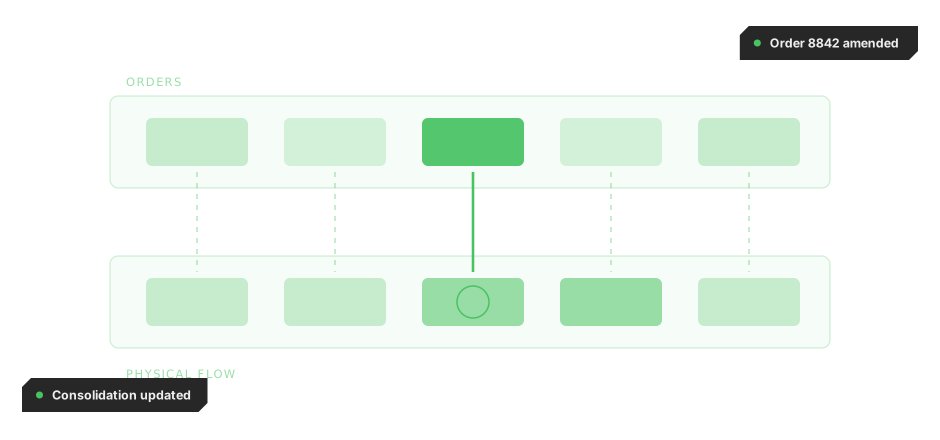
The commercial order status does not always reflect what is happening with the physical goods.

Delays or changes can reach inbound teams only after they have already affected receiving plans.

Without a consolidated view of expected and actual delivery dates, recurring delays are harder to identify early.

Warehouses and plants need reliable information about what is coming and when before goods reach the site.
Keep control of your order in one shared view.
MIXMOVE brings purchase orders, supplier updates and shipment status into one live dashboard, updating expected arrivals, forecasts and exceptions as they change, so buyers keep control of every order, not just at the moment it's placed.

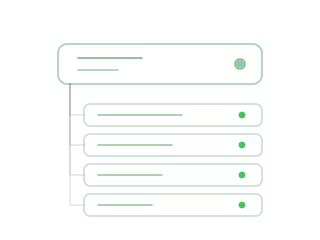
Connect orders to physical shipments
Link purchase orders and item information with the shipments and logistics events that follow, creating continuity between what was ordered and what is physically moving.

See what suppliers are preparing
Give suppliers an operational way to work with orders, prepare shipments, create labels and capture execution events as goods become ready to move.
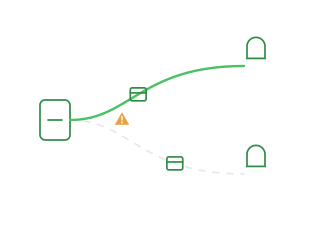

Forecast arrivals and transport needs
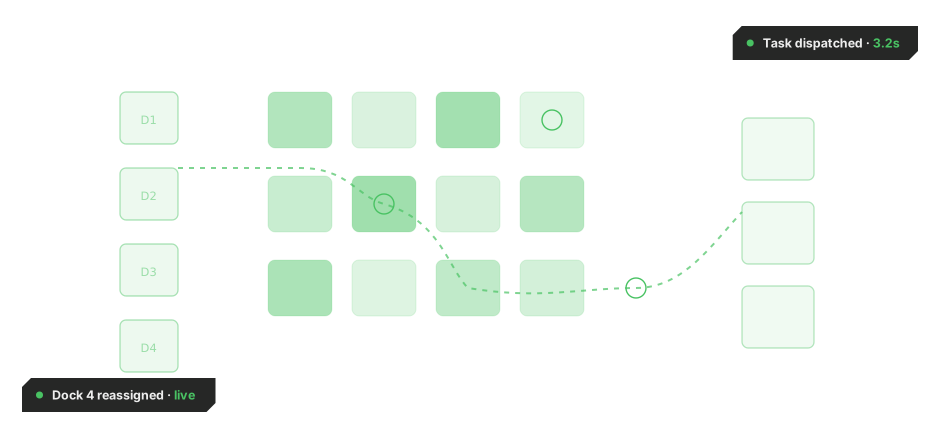
Bring order, supplier and shipment data into one live dashboard with expected arrivals, upcoming transport demand, forecasts and alerts, helping teams identify capacity needs and delays before they disrupt operations.
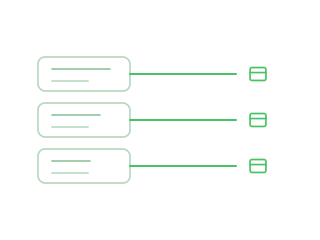
Live order updates and warning signals, to give you full control over every delivery.
From the moment a purchase order is confirmed to the moment it arrives, MIXMOVE tracks every event and flags the ones that put a delivery at risk, keeping buyers and suppliers working from the same information.

Capture the order
Import purchase order and item information to establish what each supplier is expected to deliver.
Connect supplier execution
Give suppliers access to the relevant orders so they can prepare shipments, create labels and capture operational information as goods become ready to move.
Link orders to shipments
Connect order and item data with the physical shipments and logistics events that follow, keeping commercial and operational information aligned.
Forecast arrivals and transport demand
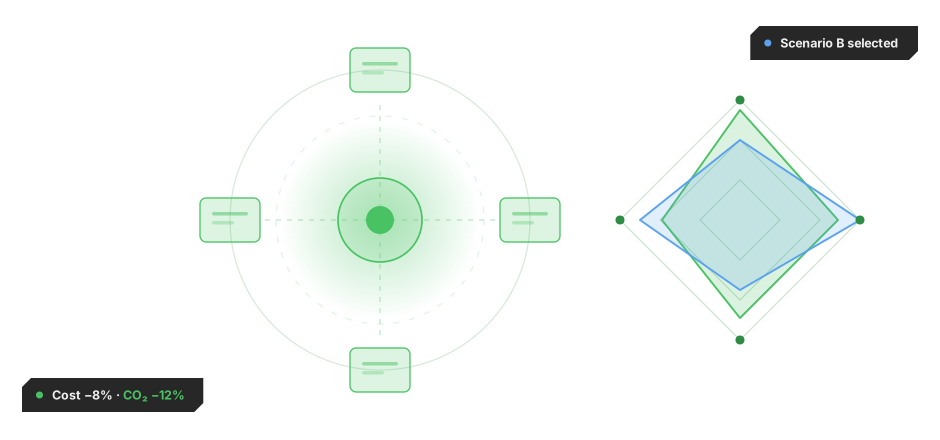
Bring supplier and transport updates into the dashboard to show expected arrival dates, changing timelines, upcoming deadlines and potential exceptions.

Act before goods arrive
Give receiving and logistics teams earlier visibility into delays or deviations so they can adjust operational plans before inbound issues become disruptions.
MIXMOVE HUB OS + MIXMOVE DI
Order Management is a solution within the MIXMOVE platform, combining execution capabilities from MIXMOVE HUB OS with decision intelligence from MIXMOVE DI to turn supplier activity into inbound visibility, early risk detection and coordinated action, not static order records checked after the fact.
REST API · EDI · eFTI · Webhooks. Connects order data across ERP, suppliers, transport systems and logistics partners. Integration in weeks, not months.