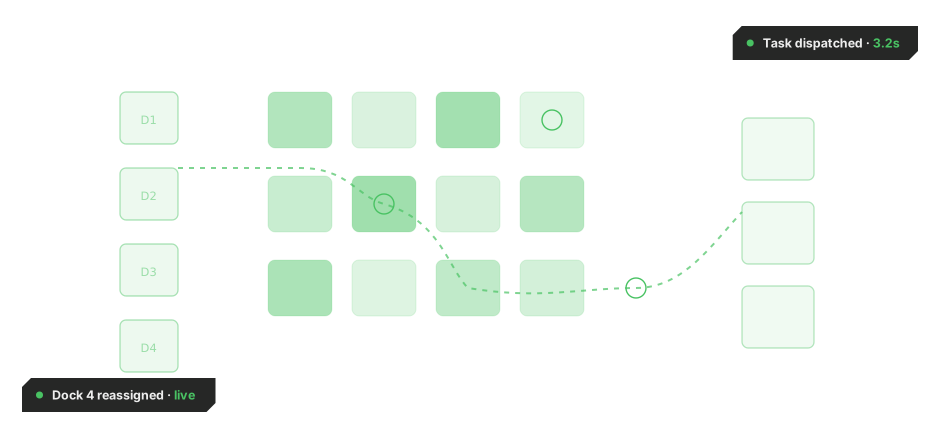
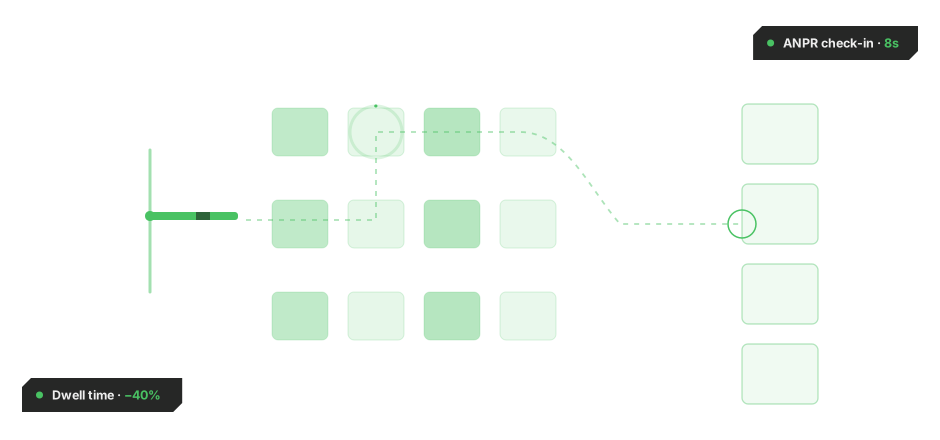
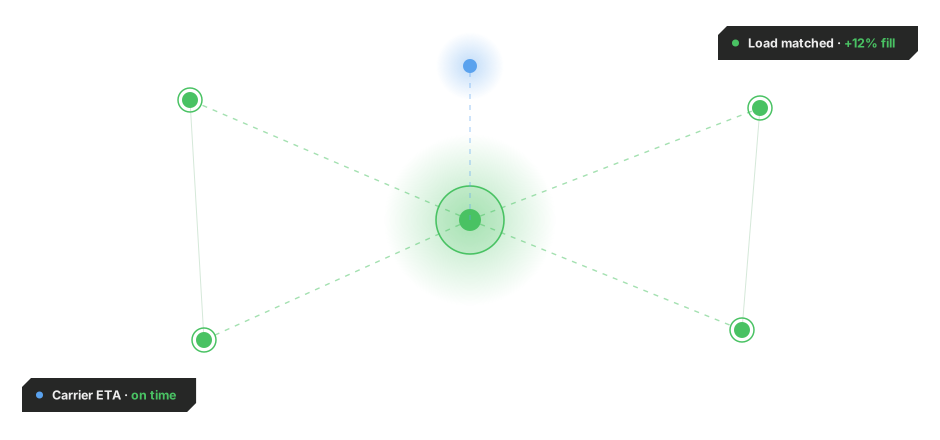
Maximum throughput, from inbound to outbound.
MIXMOVE brings inbound flows, floor operations, and outbound dispatch into one execution layer, giving hub operators control over space, throughput, and load reconstruction, without replacing the systems already running their operations.
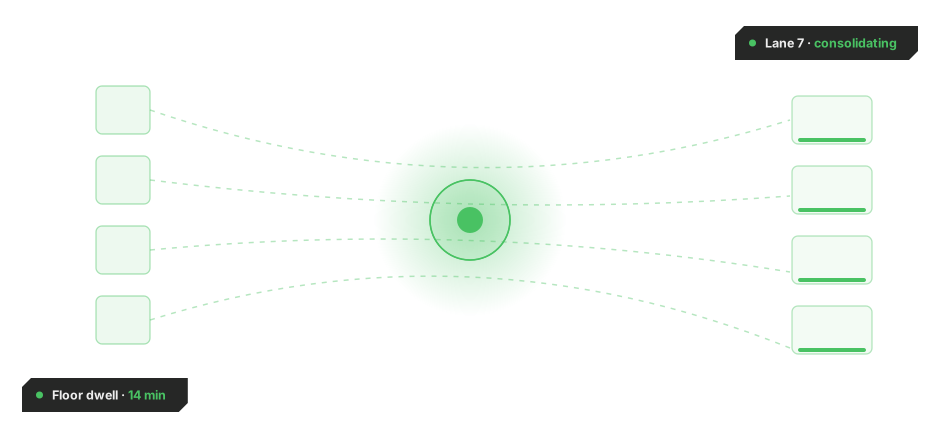
Measurable results across cross-dock operations.
Cross-docking moves fast. Timing has to hold under pressure.
Inbound, floor and outbound activity need to stay aligned in real time.
Cross-docking depends on precise timing between inbound arrivals, floor activity and outbound transport. As volumes, lanes and partner flows increase, that timing gets harder to hold without a shared operational view. Small gaps create waiting time, floor congestion, additional handling and less predictable throughput, while half-full loads or partial shipments add unnecessary transport cost to every delivery.

Inbound arrivals and outbound readiness rarely update against the same live operational picture.

Lane assignments are often fixed at shift start, even when volumes and priorities change during the day.

Managing multiple simultaneous flows depends on fast floor decisions that disconnected systems cannot support.

When allocation logic stays static, floor space fills up faster than it can be cleared during volume peaks.

Operational issues often surface after the event, when there is little time left to correct them.

Shipments that leave as parcels or partial loads instead of full pallets add avoidable transport cost with every delivery.
From disconnected handovers to coordinated flow
Cross-docking is a timing-sensitive operation where speed, space and precision directly impact operational performance and cost. Unlike a WMS, TMS or ERP, MIXMOVE is architected for high-volume, multi-customer environments, coordinating inbound, floor and outbound activity in real time and reconciling the advance shipping notice against what is scanned in at the dock as volumes, lanes and dock availability shift. MIXMOVE replaces multiple part-shipments with fewer, fuller loads and selects the most cost-effective transport service for each destination, cutting last-mile and transport cost per delivery whether freight moves cross-border by road, rail, sea or air.

Intelligent load reconstruction from parcels to pallets
MIXMOVE intelligently rebuilds loading units, consolidating parcels into a pallet, based on the freight that has actually arrived rather than what was planned.
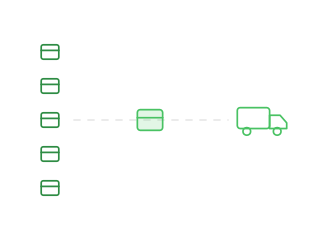

Dynamic lane and space assignment
Lanes and space are assigned based on live volume, availability and destination, so the floor stays aligned with actual flow. Works for both pre-distribution flows, where the destination is known before arrival, and post-distribution flows, where allocation happens at the hub.
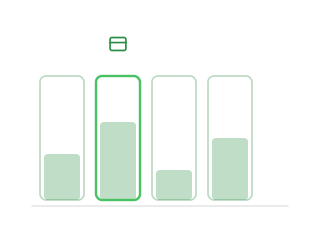

Lightweight guidance for floor teams
Mobile task guidance and simple scanning help teams move faster while keeping execution traceable.
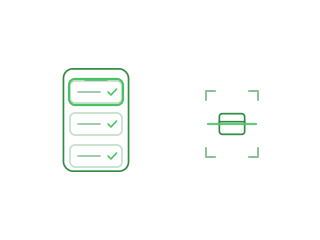

Real-time visibility and control
Hub managers see inbound progress, lane occupation and outbound readiness in a single live view, with exceptions highlighted early.
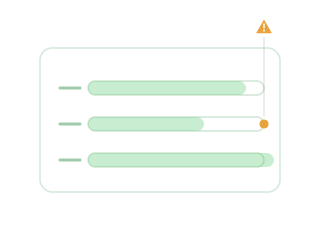
From inbound signal to outbound dispatch, step by step,
MIXMOVE connects every stage, from the moment inbound data arrives to the moment it dispatches, keeping every handover synchronised as conditions change, helping teams coordinate incoming freight, floor activity, cload reconstruction decisions and outbound loading in real time.

See what is arriving
Inbound shipment data gives teams earlier visibility into what is coming into the hub, so capacity, lanes and resources can be prepared before freight reaches the floor.

Unload and capture events
As freight is unloaded, operational events are captured against the wider flow, so teams always know what has arrived, what needs to move and where it should go next.
Sort, consolidate or reconstruct loads
Shipments are sorted and rebuilt into fuller loads by destination, outbound flow, transport plan or handling priority, reducing unnecessary waiting and manual coordination while cutting transport cost per delivery.
Assign lanes and outbound flow
Freight is directed to the right lane, staging area or outbound movement, so inbound and outbound execution stay matched even as volumes and priorities change.

Dispatch with visibility
Outbound loading and dispatch link back to transport and partner workflows, so freight keeps moving through the hub with fewer handovers and a clearer view of execution.
MIXMOVE HUB OS + MIXMOVE DI
Cross-Docking is a purpose-built solution within the MIXMOVE Intelligent Supply Chain Orchestration Platform, a platform custom-made for high flow-through logistics. Powered by MIXMOVE HUB OS and MIXMOVE DI. MIXMOVE works alongside your existing TMS, WMS, ERP and Order Management systems as an orchestration layer, or operates as a standalone platform. Its configurable modules allow the platform to expand with your operational needs.
MIXMOVE works alongside your existing TMS, WMS and Order Management systems as an orchestration layer, or operates as a standalone platform where no system currently governs the hub. Integration in weeks, not months.